Editorial illustration
Start with the work
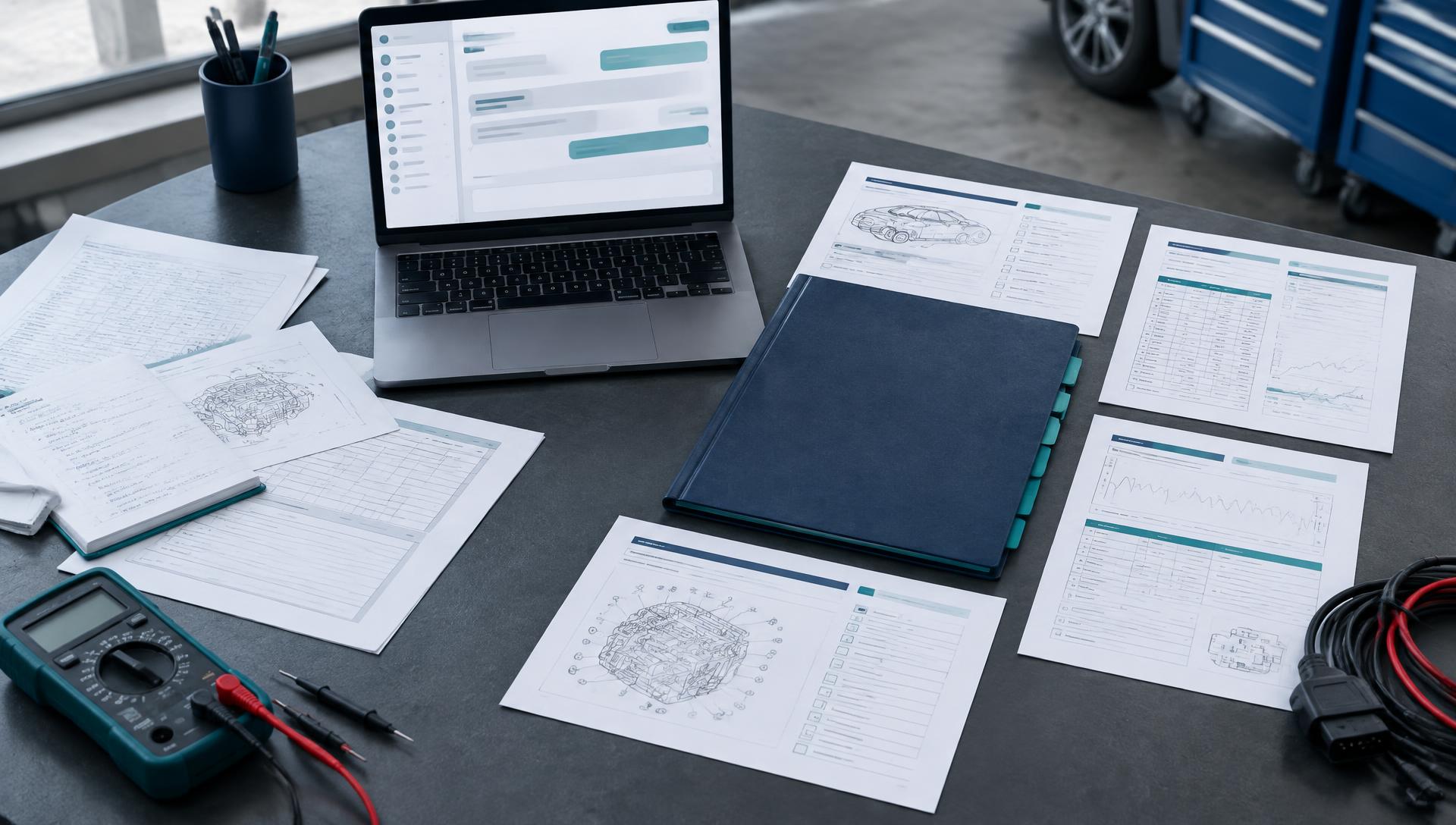
Group support cases by the work involved. Look at repair conditions, the information available and the steps that are proving difficult. A pattern becomes more useful when connected to a specific task and technician role.
Keep alternative explanations open
A missing procedure, an unclear instruction or an unavailable tool can look like a skill problem. Investigate these possibilities alongside capability. Operational signals may indicate a skill gap, but they do not establish an individual’s competence.
Ask for relevant evidence
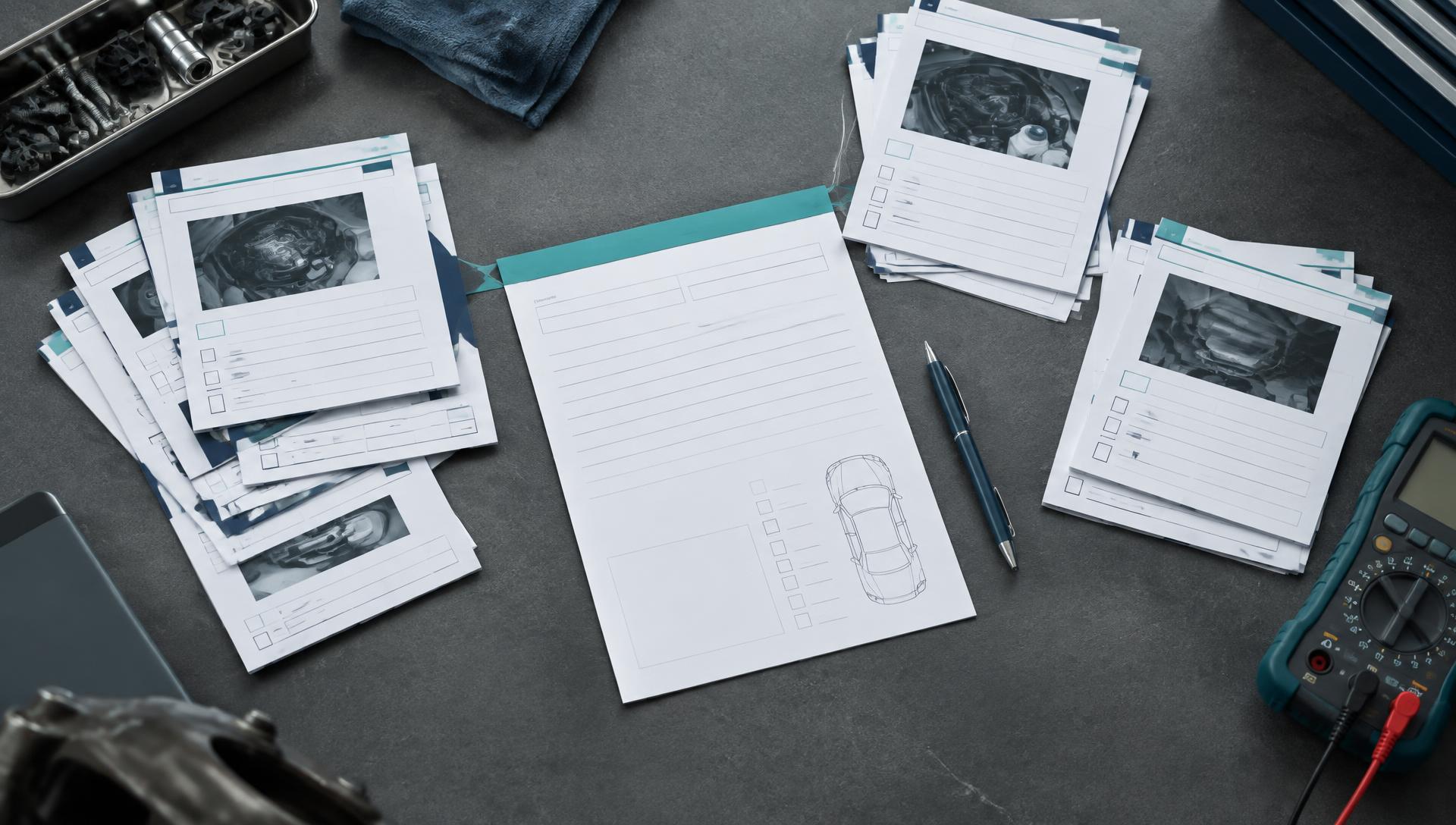
Define a practical activity around the capability in question. An observable checklist gives assessors a consistent way to capture evidence against the requirement. Use that evidence to decide whether development, technical support or a process change is appropriate.
Decide what you will accept as evidence
Before you investigate, agree what would confirm or rule out a capability explanation. That keeps the analysis honest and prevents a training plan from being written before the evidence exists.
Close the loop
After action, look at the same signal again over a comparable period. A change is useful context, but other influences may also play a role.
A practical example
A region shows repeat cases on one fault code. Repair information turns out to be correct, tooling is available, and a targeted practical assessment shows that 4 of 6 technicians skip one measurement step. Only then is a short practical session planned. (Illustrative.)
Questions we often hear
Can repair-support data prove a skill gap?
No. It shows where to look. A practical assessment against a defined requirement is needed to confirm a gap.
Which data do we need to start?
Repair-support or warranty case data for a defined period, ideally with the job type and role involved.